External Dashboards
The Dashboards screen lets you bookmark links to external tools you use alongside Upsight -- Salesforce reports, Gainsight dashboards, internal wikis, or anything else with a URL.
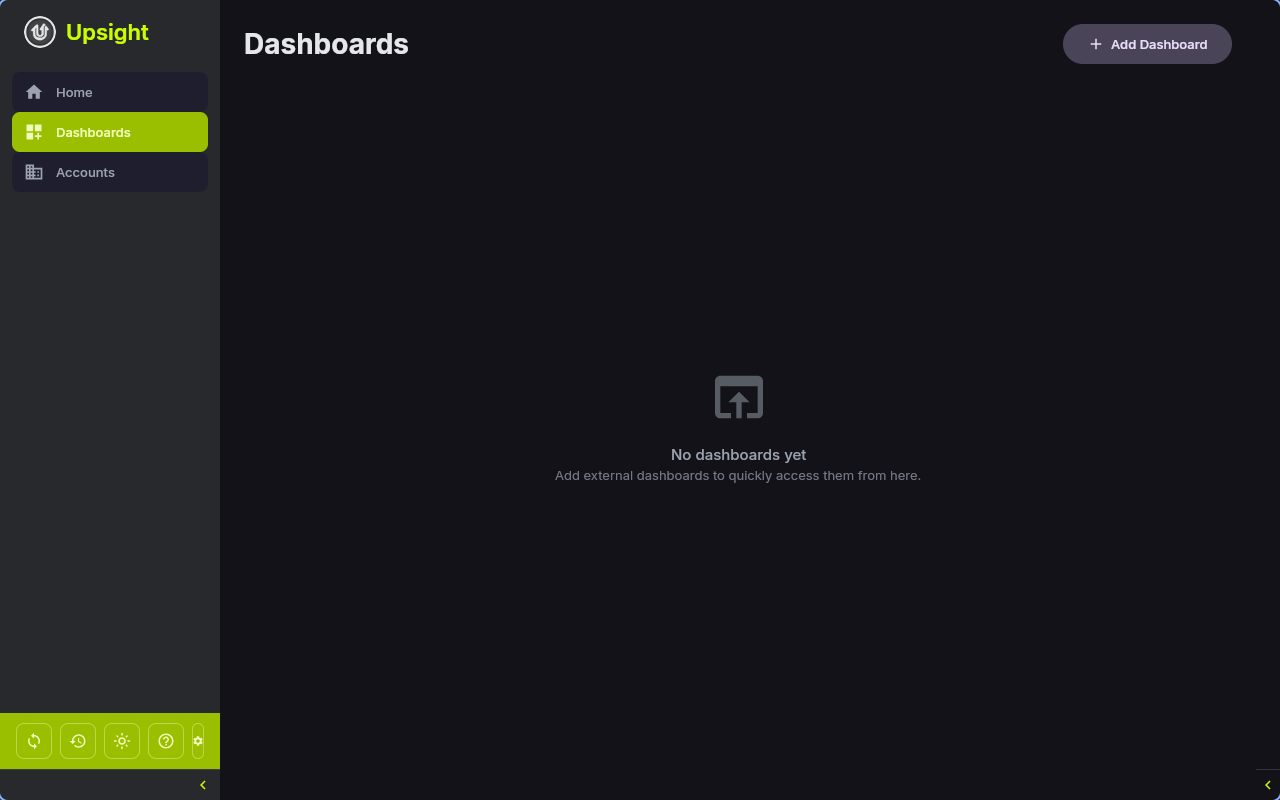
Adding a Dashboard
- Navigate to Dashboards in the sidebar
- Click Add Dashboard
- Fill in the fields:
- Name (required) -- a short label for the dashboard
- URL (required) -- the full URL, starting with
http://orhttps:// - Icon (optional) -- choose a PNG image file to display on the card
- Click Add
Viewing Dashboards
Dashboards appear as a card grid. Each card shows:
- The dashboard icon (or a default browser icon if none was set)
- The dashboard name
- The domain extracted from the URL
Click a card to open the URL in your default web browser.
Managing Dashboards
Click the three-dot menu on any dashboard card for:
- Edit -- change the name, URL, or icon
- Remove -- delete the dashboard (with a confirmation dialog)