Upsight
End-user documentation for Upsight, the desktop app for technical CSMs at Kong.
Upsight keeps your account data, meeting notes, win wires, and external dashboards in one place. Everything is stored locally and works offline. Data syncs to and from Salesforce on demand.
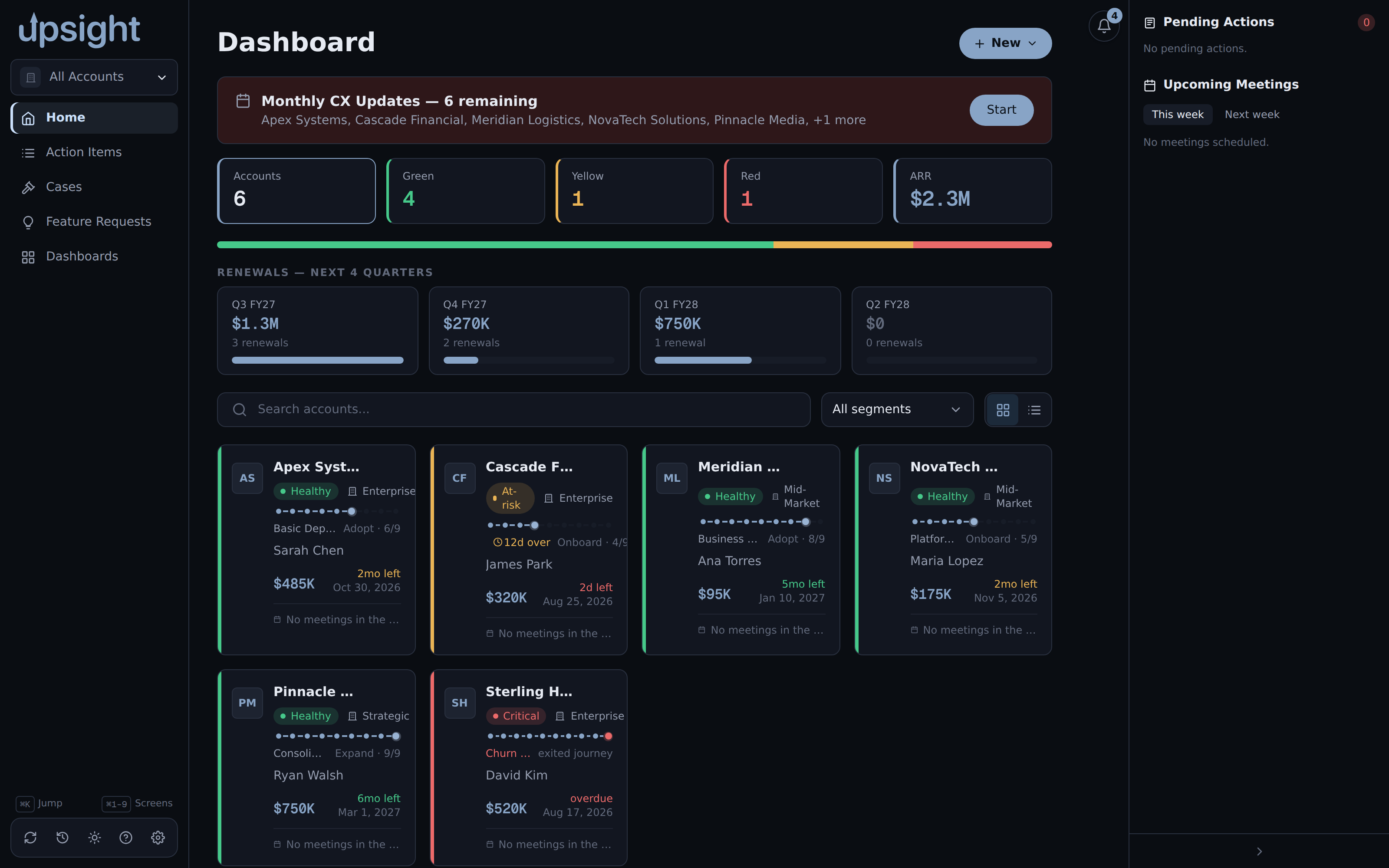
About the screenshots
Every screenshot in these docs is captured from a demo dataset. The accounts, people, and figures in them are invented, not real customers.
Sections
- Getting started, first launch, navigation, and basic setup
- Install on macOS, download the
.dmg, get past Gatekeeper, and install runtime dependencies - Install on NixOS, add the flake and install the package
- Accounts, what accounts are and how to work with them
- Account reference, People, Opportunities, Stack, Usage, Documents, Resources, and Events
- Health and CX Events, posture indicators and logging customer experience events
- Win Wires, generating a win wire from a PDF with AI
- Agendas, building, enhancing, and presenting a meeting agenda
- Q&A, AI-generated answers grounded in an account's data
- Salesforce integration, authentication, sync, and write-back
- Cases, Salesforce support cases across every account
- Meeting summaries, AI summaries and the
upsight summarizeCLI - Monthly CX update, the guided wizard for refreshing an account's health picture
- Action items, working Todoist tasks from inside Upsight
- Feature Requests, Aha! ideas, ranking, and two-way comments
- Dashboards, add and open external dashboard links
- Backup and restore, automatic backups, manual backup, and restoring
- Multi-machine sync, using Syncthing to share data across machines
- Settings, a reference for every settings option