Win wires
The Win Wires tab, inside an account, holds closed-won write-ups: what was sold, the deal terms, and the competitive context. Upsight can generate one from a PDF, or you can enter one by hand.
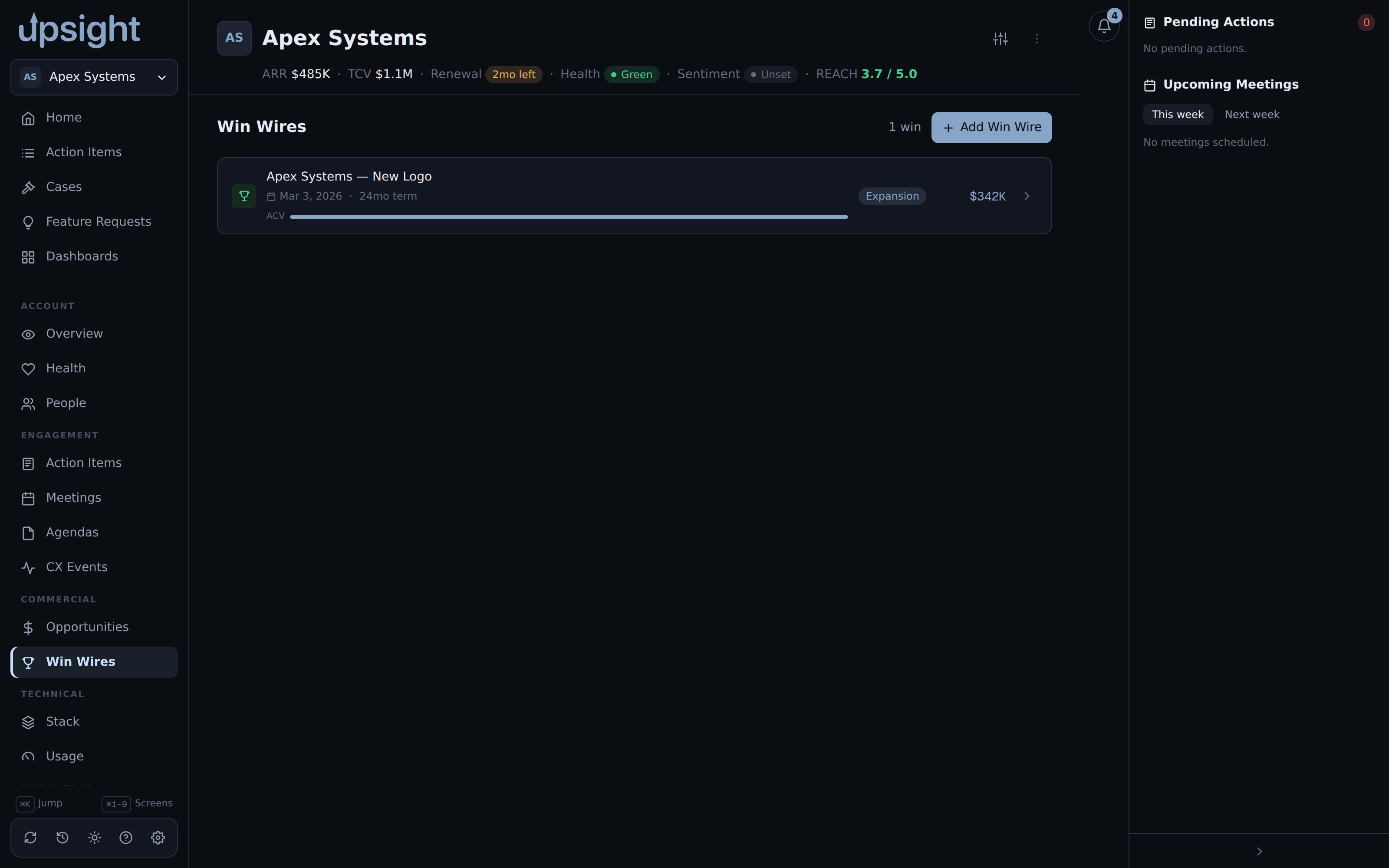
Generating a win wire from a PDF
Click Add, then Extract from PDF in the dialog that opens. This opens a native file picker to choose the PDF. Upsight extracts the PDF's text and sends it to your configured AI CLI, which returns a structured draft: the opportunity name, close date, ACV, TCV, term length, category, sales play, competitors, champion, owner, and required capabilities.
This needs both pdftotext (poppler) and the AI CLI (claude by default) on
PATH. See Install on macOS for how
to install them, or upsight doctor to check what is missing.
The extracted draft is saved as soon as extraction finishes, review and edit any field, then click Add to keep it. Closing the dialog without saving discards the draft entirely, nothing is left behind.
Entering one manually
Open the same Add dialog and fill in the fields yourself, skipping Extract from PDF. Every field the AI extraction fills in is also a plain editable field.
Reviewing and editing
Click a win wire in the list to expand it. Use Open the source PDF to view the original file (only available for entries created from a PDF), or the edit button to change any field. Editing works the same whether the entry came from AI extraction or manual entry.
Keeping win wires in sync with Salesforce
Salesforce can also supply win wire entries directly, and a win wire linked to a Salesforce Opportunity can be refreshed from there. In Settings, under Data Maintenance, Backfill Win Wires from Salesforce re-syncs every win wire against its linked Opportunity: it pulls the authoritative close date, ACV/TCV, opportunity name, owner, and stage, then renames the PDF to a canonical filename. This is safe to run any time, already-enriched rows are just refreshed, and the button reports how many were enriched, renamed, skipped, or failed.