Action items
Action items in Upsight are Todoist tasks. Upsight does not have its own task store, it reads, syncs, and triages tasks from your connected Todoist account. Set up the Todoist API token in Settings before either view below shows data. See Settings.
Two views
Action Items (top-level sidebar, global) shows "Focused tasks", every task due today, overdue, or priority P1 through P3, across every account or scoped to whichever account you have selected in the sidebar switcher. Tasks are grouped by account. This view is read-only: it shows what needs attention and lets you sync, nothing else.
Action Items (the tab inside an account) shows only that account's tasks, with the full set of filters and actions.
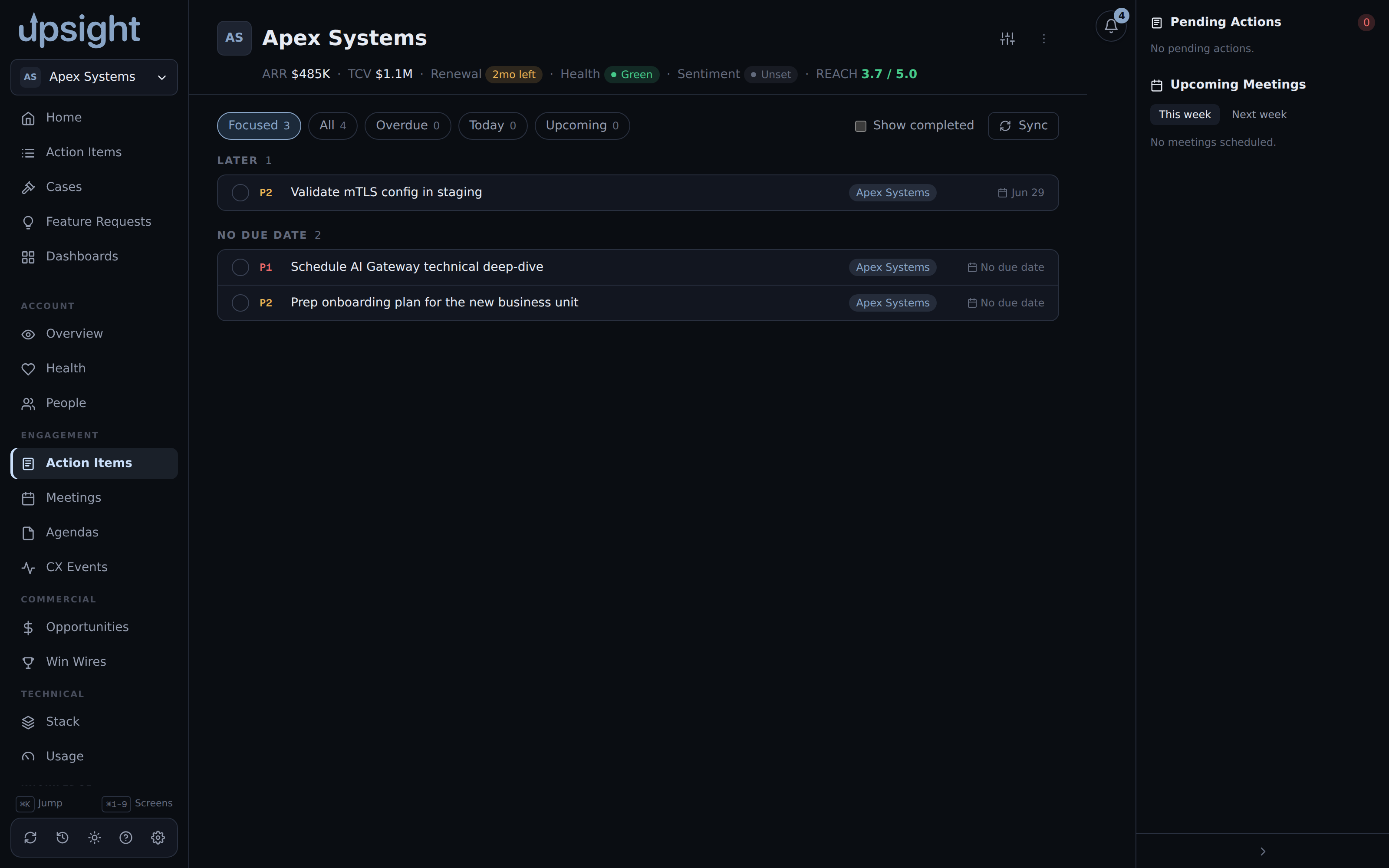
Filtering, inside an account
Filter chips at the top switch between Focused, All, Overdue, Today, and Upcoming, each with a live count. If the account's Todoist project has sections, a section dropdown narrows further. Priority buttons (P1 through P4) filter by priority and can be combined. Check "Show completed" to bring finished tasks back into view.
Working a task
Click the circle to the left of a task to mark it complete or reopen it. Hover a task to reveal defer buttons, snooze it 1, 2, or 4 weeks, or clear an existing defer. Click the chevron on the right to expand a task's Todoist comments.
None of this happens instantly against Todoist. Click "Sync" (per account) or "Sync all" (global view) to pull the latest tasks, completions, and comments from Todoist into Upsight.
Where tasks come from
Upsight does not let you create a task directly from either Action Items view. Tasks come from Todoist itself, or from the one built-in shortcut: when an Aha idea you're tracking reaches a shipped status in the Events feed, Upsight can offer a "create Todoist task" button there, if you've enabled "Todoist ship events" in Settings.
Suggested tasks
If "Todoist suggested tasks" is enabled in Settings, Upsight periodically flags tasks tied to your accounts that have gone stale (no activity for the configured number of days) and surfaces them as a Suggested group in the per-account view.