Health and CX Events
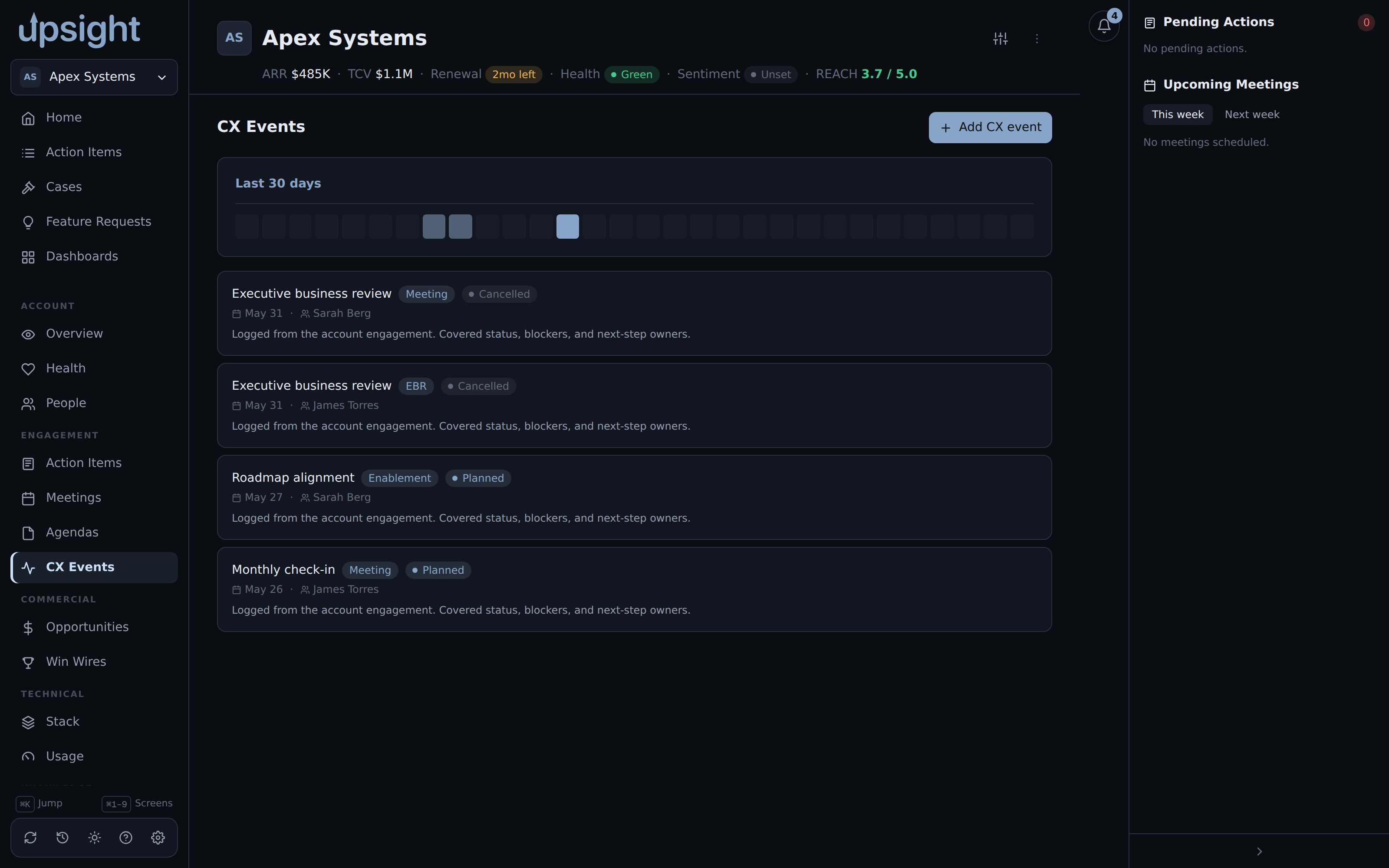
Two related, account-scoped tabs: Health, the account's posture indicators, and CX Events, a log of customer experience activity synced from and logged to Salesforce.
Health
The Health tab shows ten posture indicators (Consumption, Enterprise Features, Kong OSS Present, Critical Use Cases, Customer Business Health, Relationship Health, Technical Engagement, Platform Play, Value Realization, Active Project), each with a status pill (Green, Yellow, Red, or Unset) and a notes field, enriched from Salesforce.
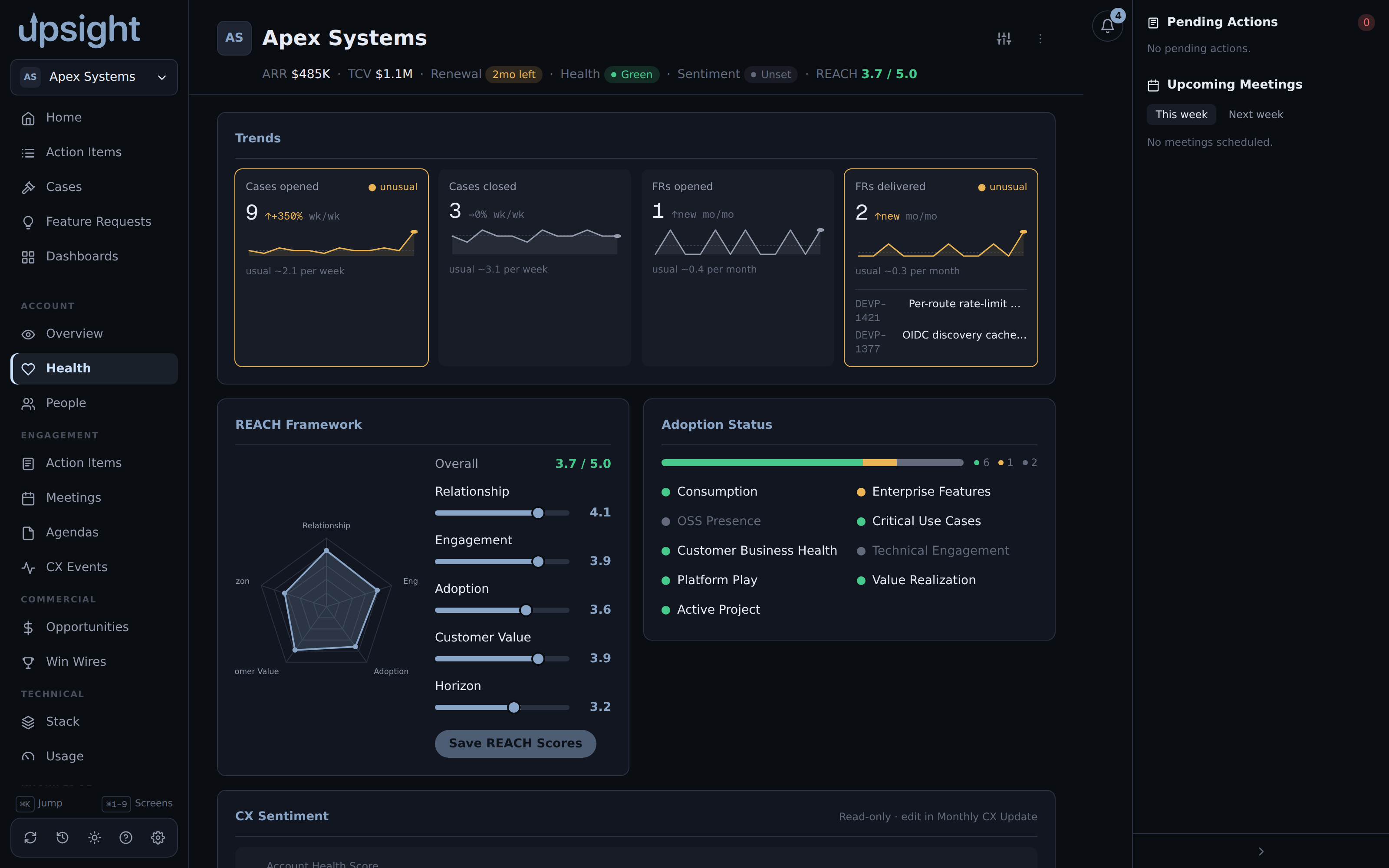
Click an indicator to open its editor and change the status or notes by hand. Saving queues a local write-back; nothing reaches Salesforce unless Salesforce write-back is enabled (see Salesforce integration).
For AI-generated suggestions across all ten indicators at once, rather than editing one at a time, use the Monthly CX Update wizard's Generate all (or generate a single indicator from its own row). See Monthly CX update.
CX Events
The CX Events tab lists customer experience events for the account. Click Log CX Event to record one, filling in a subject and the other event fields, this writes a new event to Salesforce. An event you log yourself can be deleted from Upsight; events synced in from Salesforce cannot be edited or deleted here; change those in Salesforce directly.